The switch is the quiet backbone of the network — and a PoE switch does double duty, carrying data and power to your access points, phones and cameras over one cable. Choose it well and the rest of the build is easy. Choose it on port count alone and you will discover, mid-install, that the power budget runs out two devices early.
Four specs decide a PoE switch. Get these right and you are done.
1. Port count (and uplinks)
Count the devices that plug in — access points, phones, cameras, the odd fixed PC — then add about 30% for growth. Round up to the common sizes (8, 16, 24, 48 ports). Separately, check the uplinks: SFP/SFP+ ports let you link switches or reach a server/NAS at higher speed without burning copper ports.
A practical rule: a small office runs comfortably on an 8-port PoE+ switch; once you pass a handful of APs plus phones and a camera or two, step to 24-port.
2. PoE standard and — the one people miss — PoE budget
PoE comes in power tiers. Match the tier to your hungriest device:
| Standard | Power per port (approx.) | Typical devices |
|---|---|---|
| PoE (802.3af) | up to 15.4 W | basic APs, IP phones, simple cameras |
| PoE+ (802.3at) | up to 30 W | most WiFi 6 APs, PTZ-lite cameras, video phones |
| PoE++ (802.3bt) | up to 60–100 W | high-power APs, heating/PTZ cameras, some displays |
The trap is the total PoE budget. A 24-port switch does not deliver 24 × 30 W — it has a pooled budget (say 250 W) shared across ports. Sum your devices’ real draw, add ~25% headroom, and confirm that figure sits under the switch’s total budget. A switch with plenty of ports but a thin budget will refuse to power your last few devices.
3. Port speed
- 1G (gigabit) to each device is still the right default for most offices.
- 2.5G access ports matter when newer WiFi 6/7 APs can push past 1 Gbps and you do not want the wire to be the bottleneck.
- 10G, usually over SFP+, belongs on uplinks — switch-to-switch, or to a NAS/server — not on every desk.
Spend on fast uplinks before fast access ports; the uplink is where congestion actually bites.
4. Managed vs unmanaged
| Type | Best for | Trade-off |
|---|---|---|
| Unmanaged | A tiny, flat network with no segmentation | No VLANs, QoS, or visibility — plug-and-pray |
| Smart / managed | Almost every business network | A little setup, in return for VLANs, QoS for voice, and remote config |
If you want to separate guest WiFi from staff, prioritise VoIP, or just see what is happening, choose managed or smart-managed. The cost difference is small and you will use the features.
Recommendations
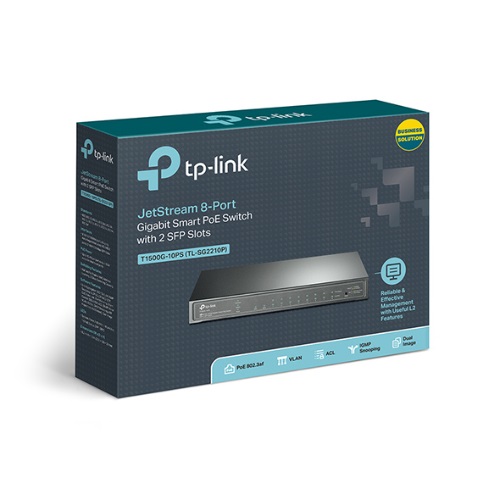
- Small office, a few APs and phones: an 8-port PoE+ smart switch — enough power and ports, with VLAN support for guest/staff split.
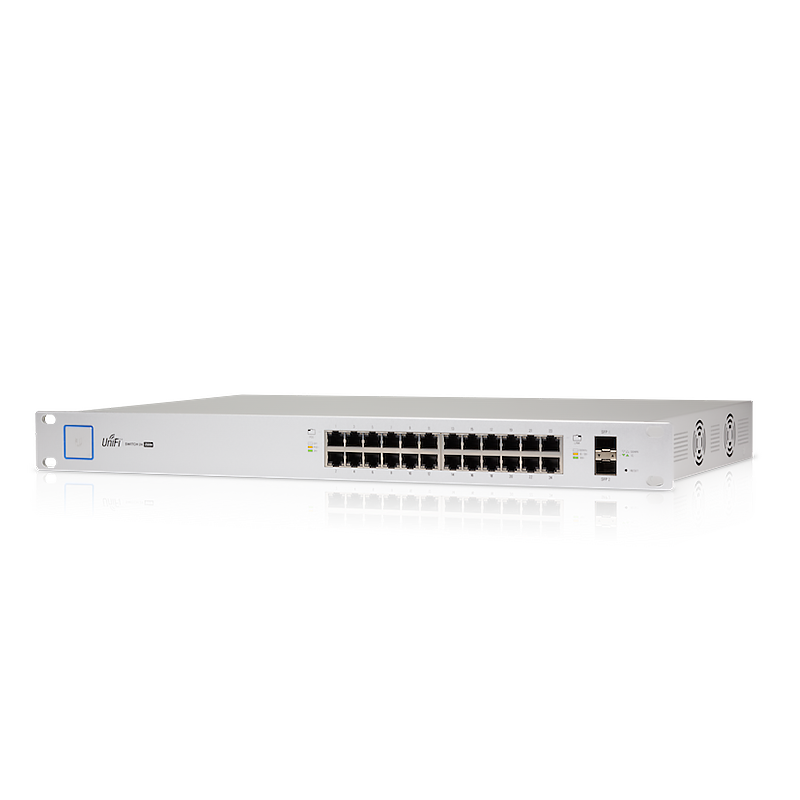
- Growing office or a rack: a 24-port PoE+ managed switch with SFP/SFP+ uplinks, so you can grow and link to a second switch or NAS at speed.
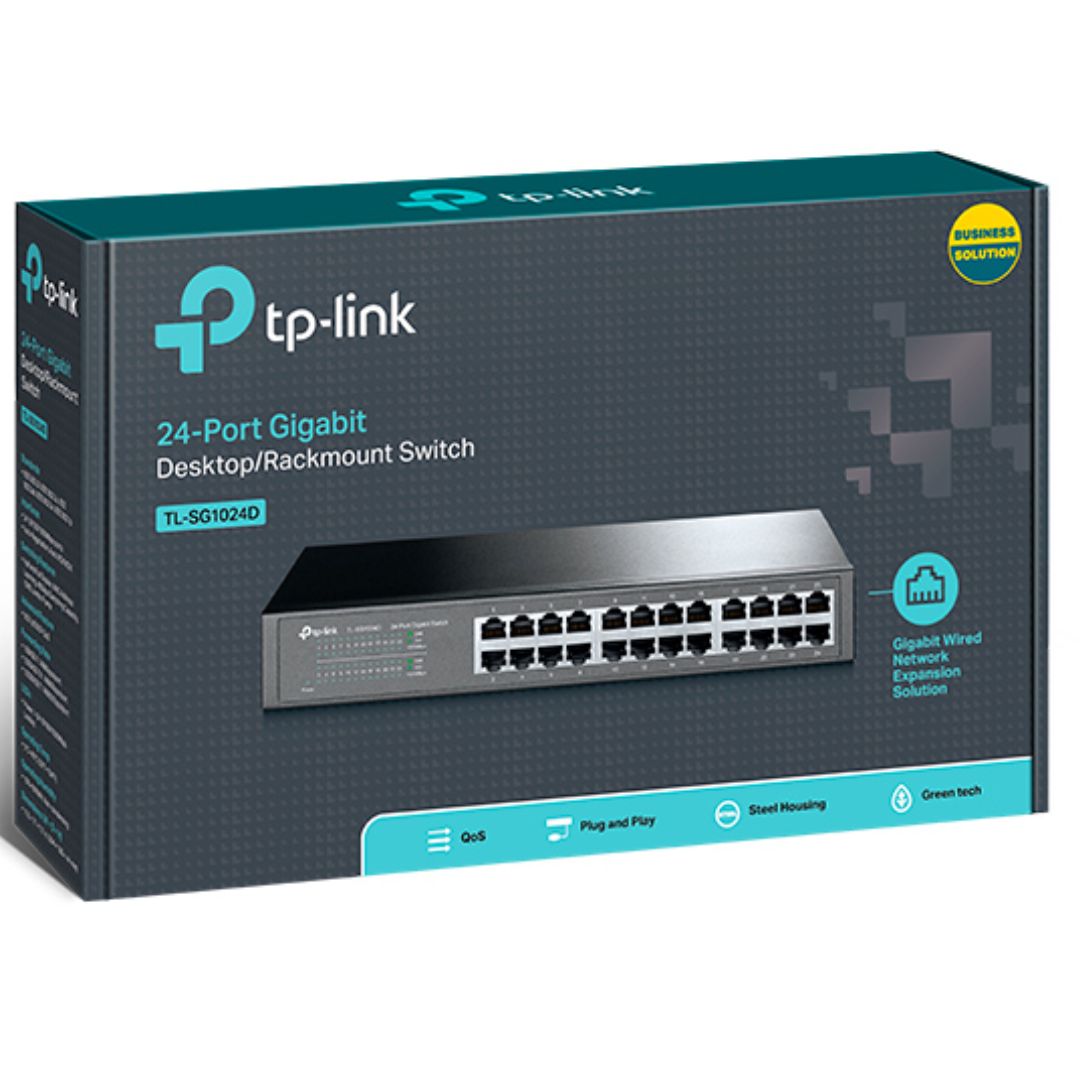
- Devices that are self-powered (no PoE needed): a 24-port gigabit switch without PoE is cheaper and perfectly right when you are not powering APs or phones over the wire.
Australian specifics
Prices are GST-inclusive (ex-GST shown alongside), warranty and ACL cover sit with us, and availability is shown honestly — verified stock separate from supplier ETA, so you are never surprised at dispatch. If you are sizing PoE for a WiFi build or standardising on UniFi or Omada, the switch and APs are bought together — add them to a quote and we will confirm the power budget and stock per line.