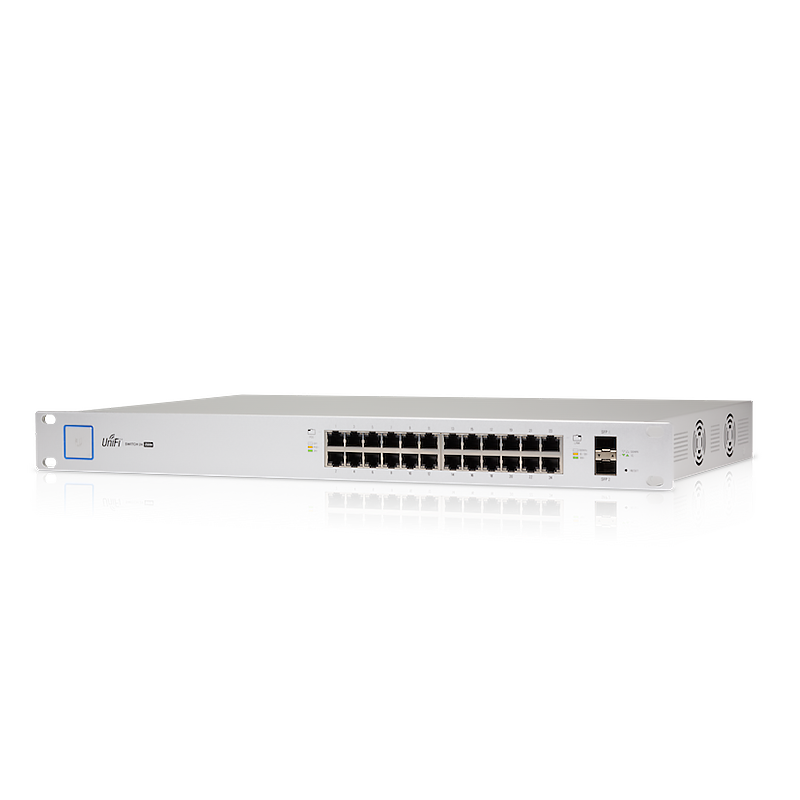
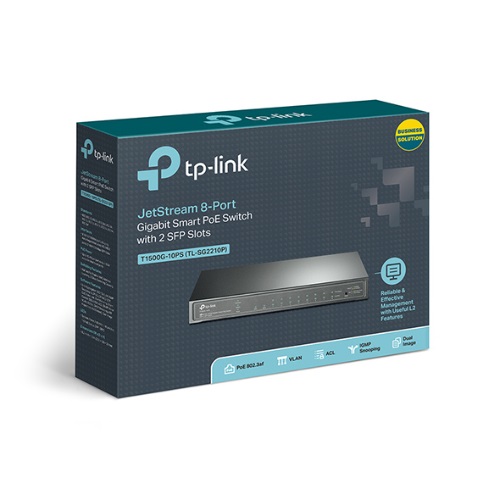
If you are standardising a business network on one ecosystem, the choice usually comes down to UniFi (Ubiquiti) versus Omada (TP-Link). Both are “prosumer-to-SMB” platforms: controller-managed access points, switches and gateways, no per-seat licensing, and a single dashboard. Both are a big step up from consumer mesh and a big step down in price from enterprise Cisco/Aruba.
This is the honest comparison — not a coronation. Either one will run a great small-business network. The question is which fits your team, budget and existing kit.
The honest one-liner
UniFi has the wider hardware range and the more polished experience, which is why it dominates the AU SMB and MSP scene. Omada typically costs less for comparable specs and is the natural choice if you already run TP-Link. You will be happy on either; you will be unhappy if you pick on brand loyalty instead of fit.
How to actually choose
Run your situation through four questions:
- Who manages it day to day? An in-house team with no network specialist leans toward UniFi’s polish. An MSP usually has a preferred stack already — match it.
- What do you already own? Existing TP-Link/Omada switches or APs? Omada keeps it consistent. Existing UniFi? Stay in UniFi. Consistency beats a marginal spec win.
- Self-host or cloud? Both let you run the controller yourself for free, or use their cloud. If you want zero recurring cost and full control, both deliver — confirm which model your team prefers.
- Budget vs ecosystem breadth. Need cameras, door access, VoIP and phones all under one roof? UniFi’s range is broader. Need solid WiFi and switching at the lowest sensible price? Omada is hard to beat.
UniFi vs Omada, side by side
| Dimension | UniFi (Ubiquiti) | Omada (TP-Link) |
|---|---|---|
| Management | Very polished console; self-host or cloud, no licence fee | Capable, slightly more traditional console; self-host or cloud, no licence fee |
| Hardware range | Broad — WiFi, switching, gateways, cameras, access, VoIP | Solid core — WiFi, switching, gateways; narrower beyond that |
| Price for comparable specs | Higher, but strong resale and ecosystem value | Usually lower — the value pick |
| Best fit | Teams wanting one platform for everything, MSPs already on UniFi | Cost-sensitive builds, existing TP-Link sites |
| Learning curve | Gentle for non-specialists | Fine, but assumes a little more networking comfort |
| AU availability | Very widely stocked and supported | Widely stocked, strong value lines |
Every row has a trade — that is deliberate. There is no column that wins everything.
Who should pick which
- Pick UniFi if: you want the most polished single-pane experience, plan to add cameras/access/VoIP later, or your MSP already runs it. The premium buys breadth and a gentler learning curve.
- Pick Omada if: budget is tight, you already run TP-Link, or you want excellent WiFi and switching without paying for an ecosystem you will not use.
Whichever you choose, the access point sizing and PoE switch decisions are the same shape — and both ecosystems need a PoE switch to power their APs.
Don’t mix mid-network without a reason
You can run UniFi APs on an Omada-managed network (or vice versa) — they all speak standard Ethernet and VLANs. But you lose the single-dashboard benefit and run two controllers. Standardise per site unless you are deliberately bridging an upgrade.
Australian specifics
Both ranges are widely stocked in Australia, but specific models move in and out of supply — which is exactly why we show verified stock separately from supplier ETA. If a model you want is inbound rather than on hand, you will see its real ETA and can decide whether to wait or pick the in-stock equivalent. Pricing is GST-inclusive, and warranty/ACL cover sits with us as the seller of record. For a multi-site standardisation, send the list to us as a quote and we will flag availability per line.