Choosing business WiFi is really one question wearing a costume: how many people need reliable wireless, where, and doing what? Get that right and the hardware almost picks itself. Get it wrong — by buying a consumer mesh kit for an office, or one powerful access point for a building — and you spend the next year chasing dropouts.
This guide is the no-nonsense version for Australian SMBs, MSPs and in-house IT. It covers the four variables that actually decide your setup, an honest comparison of the options, and concrete picks for common offices — each linked to gear with real, verified availability.
The four questions that decide your WiFi
Everything else is detail. Answer these before you look at a single product:
- Coverage and layout — total floor area, number of floors, and how many solid walls (brick, concrete, fire-rated) the signal has to punch through. Walls cost you more than distance.
- Users and density — not just headcount. A 30-person office where everyone has a laptop and a phone is ~60 devices; add VoIP handsets, printers, and AV and you are planning for capacity, not coverage.
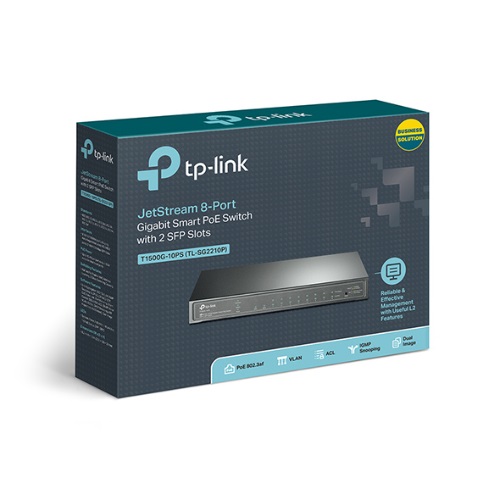
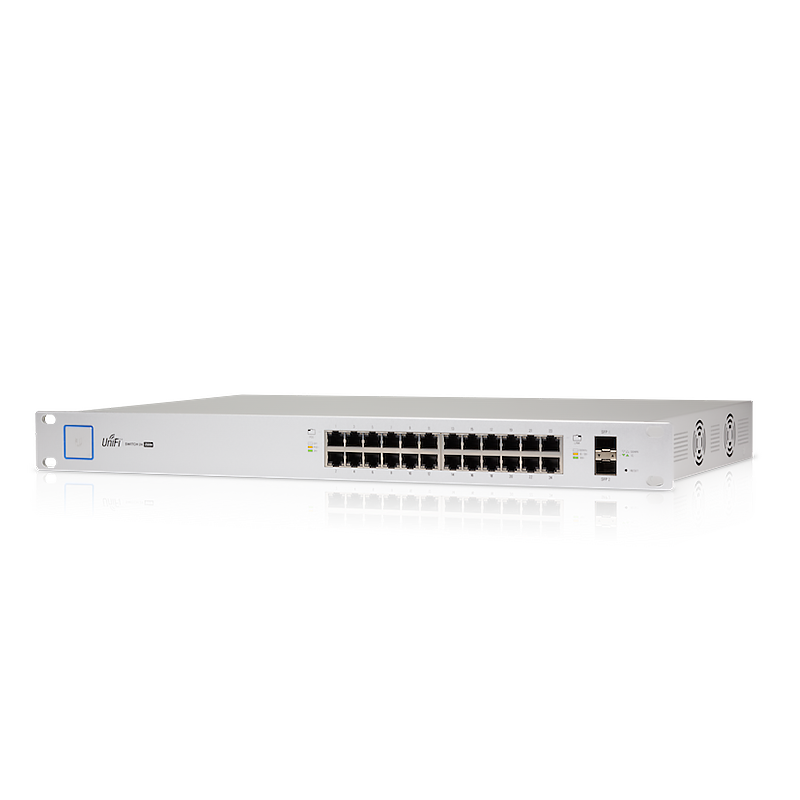
- Wired backhaul and PoE — access points want a wired connection back to a switch, and most are powered over that same cable (Power over Ethernet). That means a PoE switch with enough power budget, not a powerpoint at every AP.
- Management — one access point can run on its own. Two or more, and you want a controller so roaming, updates, and guest/staff separation are handled centrally.
If you can answer those, you can size a system. If you can’t yet, that is exactly the kind of job worth sending to us as a quote rather than guessing.
Consumer mesh vs business access points
The biggest money-and-pain decision is whether to buy consumer mesh or proper business access points. The honest tradeoffs:
| Option | Best for | What you give up |
|---|---|---|
| Consumer mesh (eero, Google, Deco) | A home office or 1–3 person room with light use | VLANs, wired backhaul, central management, business warranty; roaming between nodes is “okay”, not seamless |
| Business AP, standalone | A single-AP site that won’t grow soon | Central management — you configure each AP by hand, which gets tedious past one |
| Controller-managed APs (UniFi, Omada) | Any office with 2+ APs or plans to grow | A small upfront cost for the controller and a PoE switch; in return you get seamless roaming, VLANs, and one dashboard |
There is no “best” row — that is the point. A two-room startup genuinely can run consumer mesh. A 25-person office that buys the same kit will be back within a year. Match the row to the building, not the brochure.
How many access points?
Two ways to size, and you take the larger of the two:
- By coverage: roughly one AP per 75–100 m² of open-plan area. Add one for each separate floor and for rooms cut off by solid walls.
- By density: count concurrent devices and divide by a comfortable per-AP load (around 40–50 active devices for a modern WiFi 6 AP). High-density spaces — boardrooms, training rooms, retail floors — are sized this way, not by area.
For a typical 8–12 person office of ~150 m², that is usually one or two access points. A two-storey or multi-room fit-out is three to four.
Recommendations by scenario
- Small office (1–10 staff, single floor, ~150 m²): one or two WiFi 6 access points on an 8-port PoE+ switch. Tidy, fast, room to add a camera or VoIP handset later.
- Growing office (multi-room or two floors, 10–25 staff): three to four access points on a 24-port PoE+ switch, controller-managed for seamless roaming as people move between rooms.
- High-density space (boardroom, classroom, 40+ devices in a room): plan by device count and put a dedicated AP in the busy room rather than relying on coverage spillover.
The picks below are the verified-stock starting points for those builds. The access point and the switch are bought together for a reason — the switch powers the APs.
The Australian specifics that matter
- Pricing is GST-inclusive as the headline, with ex-GST shown alongside — so quotes and reconciliation both read right.
- We are the seller of record, so the ACL consumer guarantees sit with us, not an overseas marketplace. Warranty terms are listed per product.
- Availability is shown honestly. Verified stock (counted on hand) is separated from supplier ETA (inbound, dated) and from CALL (unconfirmed). For a staged rollout you can order the verified gear now and schedule the rest — and we confirm anything unconfirmed before you pay.
- Freight is estimated as a range, not a fake exact figure, and bulky or remote deliveries are flagged rather than buried.
Once you know your AP count and switch, the next decision is usually the ecosystem — which is the UniFi vs Omada call — and the PoE switch that powers it all. For a multi-site or uncertain rollout, send it to us as a quote and we will size it with honest availability.